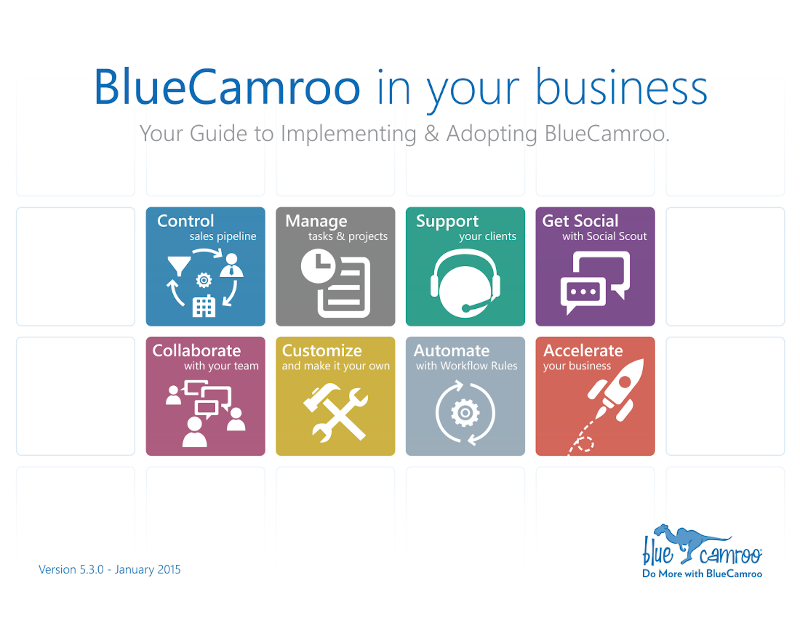
BlueCamroo in Your Business is a guide created to give you an end-to-end understanding of how BlueCamroo "fits together" and can be used to benefit each area of your business. It shows you what BlueCamroo can do, and shares tips and recommendations based on our experience of setting up BlueCamroo for many different types of business.
Disclaimer - This User Guide is being updated to the the current version (8.3.7), however the information in the guide is still relevant. To learn more about the what updates we have made to BlueCamroo visit our Release Notes.
Click to download BlueCamroo in Your Business:
Standard Resolution (File size: 5.2MB)
High Resolution - Best for Printing (File size: 13MB)
Contents List
(Click to download an individual section)
- 1.Introduction
- 2.Getting Started
- 3.How BlueCamroo Organizes Data
- 4.Managing the Sales Cycle
- 5.Getting Social
- 6.Managing Tasks
- 7.Getting Your Team to Work as Group
- 8.All About Email
- 9.Creating and Managing Projects
- 10.Working with Calendars and Events
- 11.Cases - Complaints, Issues and Customer Support
- 12.Quoting, Billing and Receiving Payment
- 13.Tracking Time
- 14.Billing Time
- 15.Recording and Managing Personal Expenses
- 16.Creating Reports and Dashboards
- 17.Working with Groups of Records
- 18.Email Marketing
- 19.Customizing BlueCamroo for your Organization
- Appendix 1.Managing Users and Permissions
- Appendix 2.Guide to Importing Data
- Appendix 3.Guide for Project Managers
- Solution
- Pricing
- How Your Business Runs
- Developers
- API Documentation

©2026 BlueCamroo Inc. All righs reserved